

Download APK CS16Client (Old Engine) Latest Version
| Developer: | Latest Version: | Update Date: |
|---|---|---|
| Velaron. | 1.35 | 30/10/2018 |
Download APK CS16Client (Old Engine) Latest Version Install APK
Downloading
Downloading Download APK CS16Client (Old Engine) Latest Version in.celest.xash3d.cs16client.apk
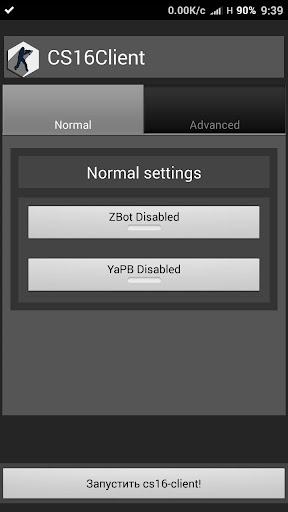

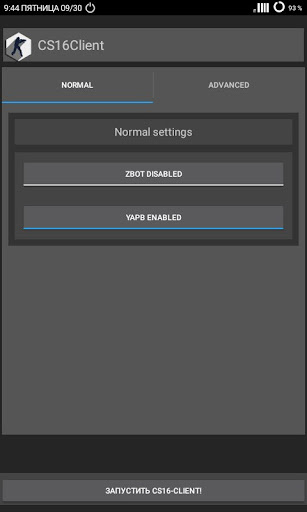


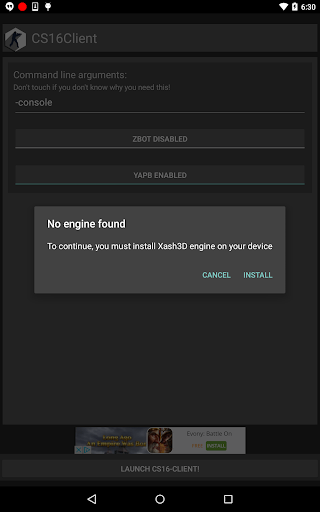

CS16Client is a standalone game which uses Xash3D FWGS engine and compatible with Counter-Strike 1.6
THIS GAME IS NOT SHIPPED WITH GAME DATA. YOU MUST GET IT FROM YOUR LICENCED COPY OF COUNTER-STRIKE 1.6
To play it, make sure you followed these steps:
1) Install Xash3D FWGS and CS16Client.
2) Install Counter-Strike 1.6 on PC through Steam(it's important! You need to use licensed version to have properly working CS16Client)
3) Create folder named "xash" in internal memory on your Android device.
4) Copy folders named "cstrike" AND "valve" from PC installation of the game to newly created folder.
5) On first run, game will ask you about "xash" folder placement. Select it.
6) Enjoy!
CS16Client and Flying With Gauss is not affilated with Valve Software or any of their partners. All copyrights are belongs to their respective owners.
More
What's new
* Fixed installing extras.pak
* Added simple port of mainui_cpp. Thanks to @mittorn
* Fixed sometimes disappeared text when hud_scale is 0(default).
* Added simple port of mainui_cpp. Thanks to @mittorn
* Fixed sometimes disappeared text when hud_scale is 0(default).
