Download APK Screen Mirroring for all TV Latest Version
| Developer: | Latest Version: | Update Date: |
|---|---|---|
| mydroid. | 1.4.8 | 05/03/2026 |
Download APK Screen Mirroring for all TV Latest Version Install APK
Downloading
Downloading Download APK Screen Mirroring for all TV Latest Version com.screen.mirroring.tv.casting.share.file.apk


Screen Mirroring & TV Casting
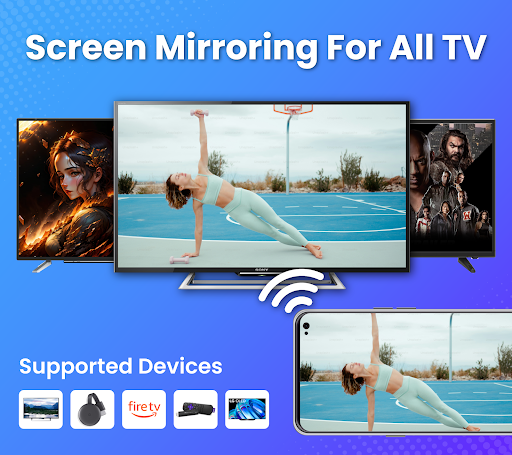
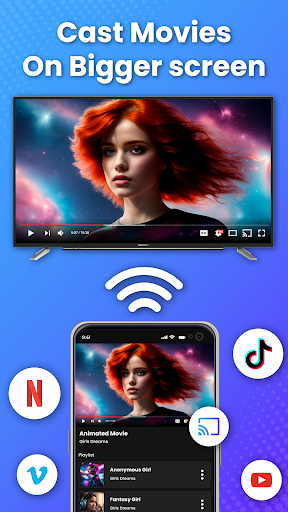
TV Casting is a simple and reliable screen mirroring app that allows you to connect your phone or tablet to a big screen. With just a few taps, you can cast your favorite content to the TV wirelessly. Whether it’s watching movies, sharing photos, streaming music, or playing mobile games, TV Casting makes it possible to enjoy everything on a larger display.
🎬 Mirror Your Phone to compatible big screens
Turn your small phone display into a home theater by mirroring your screen in real time. Share videos, presentations, images, and even mobile apps directly on your Smart TV. Screen mirroring is useful for both personal entertainment and professional use—perfect for family gatherings, classroom learning, or office presentations.
🌐 Wide Device Compatibility
TV Casting works with many popular devices and platforms, including:
Chromecast
Roku & Roku Stick
Amazon Fire TV & Fire Stick
Miracast-enabled Smart TVs
Most modern Smart TVs are supported, allowing you to enjoy stable wireless casting without extra hardware.
⚡ Quick and Stable Connectivity
All you need is a Wi-Fi network that connects both your TV and mobile device. Once linked, the app instantly detects available TVs, so you can start mirroring in seconds. The secure wireless connection ensures smooth playback of videos, photos, and games with minimal delay.
🎵 All Types of Media Supported
With TV Casting, you can share almost any type of content on your TV screen:
Watch HD and online videos
Show photos and image galleries
Stream music directly from your phone
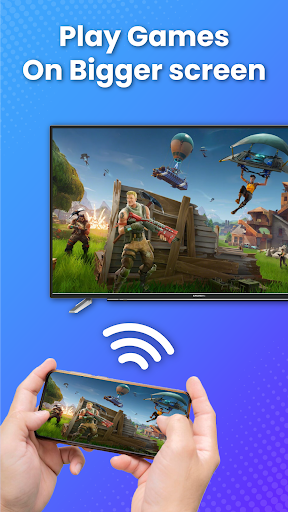
Play mobile games with a larger display
No cables are required—everything works wirelessly with just one app.
🛠️ Key Features
✔ Easy connection in just three steps
✔ Cast videos, photos, music, and files to your TV
✔ Stream directly from a web browser
✔ Works with Chromecast, Roku, Fire TV, and Miracast
✔ Secure Wi-Fi connection for safe screen sharing
✔ User-friendly interface with quick setup
✔ Supports multiple Smart TVs
📌 How to Use TV Casting
Download and open the app on your phone or tablet.
Connect your mobile device and TV to the same Wi-Fi network.
Enable screen mirroring or wireless display on your Smart TV.
Select your device from the list and start casting.
Enjoy movies, photos, music, games, or documents on the big screen.
🌟 Why Choose TV Casting?
TV Casting is designed to make screen mirroring simple and accessible for everyone. You don’t need HDMI cables or complicated setups—just connect wirelessly and enjoy. Whether you want to stream family photos during gatherings, give presentations at work, or watch movies on your Smart TV, this app provides a smooth and reliable solution.
📱 Perfect for Every Situation
Home entertainment: Watch movies, videos, and shows on a bigger screen.
Work presentations: Mirror slideshows, and apps on Smart TV.
Education: Share content in classrooms for interactive learning.
Gaming: Play mobile games with a full-screen experience.
🔒 Secure and Hassle-Free
The app ensures a secure Wi-Fi connection so your personal files and data remain protected while casting. With stable performance and support for multiple devices, you can enjoy seamless screen mirroring anytime and anywhere.
TV Casting makes it easy to share, connect, and enjoy your digital world on the big screen. Download now and transform the way you experience your phone and tablet content.
Disclaimer:
This app is not affiliated with or endorsed by Chromecast, Roku, Amazon, Miracast, or any other brands mentioned. All trademarks belong to their respective owners.
More