
Download APK Daily Board Latest Version
| Developer: | Latest Version: | Update Date: |
|---|---|---|
| Samsung Electronics Co., Ltd. . | 14.5.00.13 | 21/08/2023 |
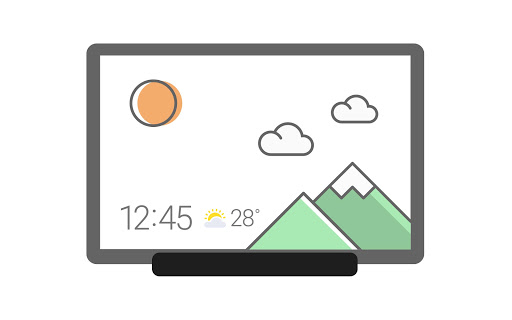
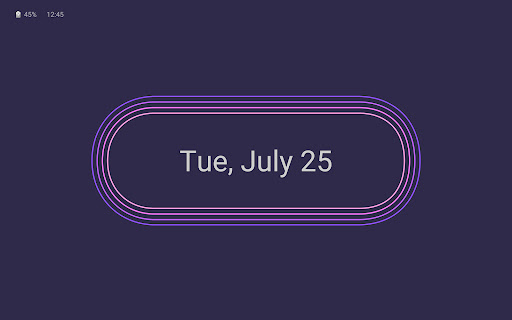
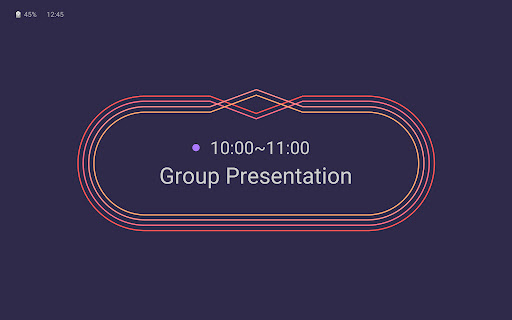
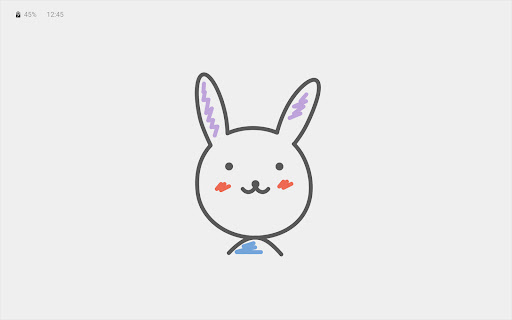
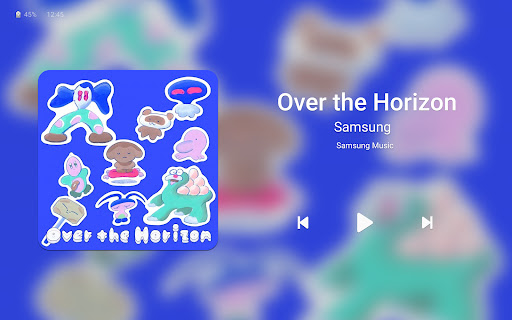
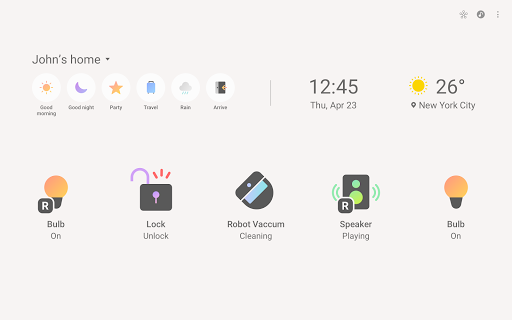
When charging the tablet, Daily Board gives you access to information that you will find useful in your daily life, as well as photos at all times.
A night theme is also available to help you prevent night glare.
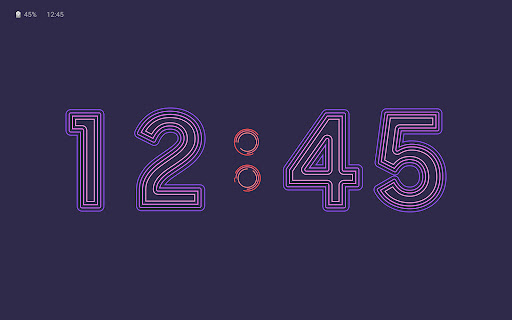
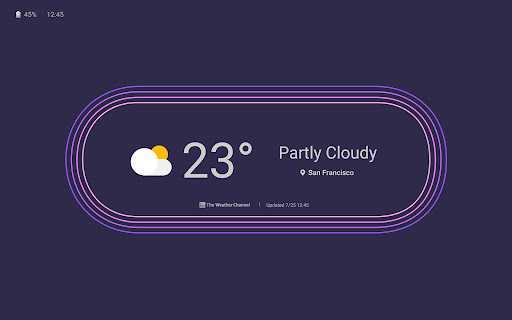
▷ Time, Weather, Calendar
• We tried to make them recognizable even from a distance and highlight their refined beauty.
• Set and use the layout in your desired shape.
▷ Photo Slide Show
• You can always view albums created in Samsung Gallery on the Daily Board.
• You can view photos shared by your friends and family by integrating Samsung Experience Service.
• Add images such as your favorite painting, and use it as your very own decorative piece.
▷ Memo Board
• You can post a to-do list, memos for your family, drawings your child made on the Daily Board, and family members can easily check them at all times.
• Live memo mode presents your memos with an animated view.
(You can switch modes at the bottom-right section of the Memo Board screen.)
▷ Music Controller
• Control music from the Daily Board. (Play/Pause/Skip)
▷ SmartThings
• SmartThings board was added to Daily Board.
• You can check at a glance the status of the devices registered with SmartThings and control them easily and conveniently.
※
-When you connect a USB charger, a notification advising you to open Daily Board appears in the Quick settings panel. Daily Board will open when you tap this notification.
- Or, when connecting to the USB charger, you can tap a quick launch icon for Daily Board displayed on the navigation bar to launch it.
(Available only when the navigation bar style is set to “Navigation buttons.”. )
- When connecting to the Pogo charging dock, a separately sold accessory, Daily Board can be run automatically.
※ Features in Android 10.0 or newer versions
More
A night theme is also available to help you prevent night glare.
▷ Time, Weather, Calendar
• We tried to make them recognizable even from a distance and highlight their refined beauty.
• Set and use the layout in your desired shape.
▷ Photo Slide Show
• You can always view albums created in Samsung Gallery on the Daily Board.
• You can view photos shared by your friends and family by integrating Samsung Experience Service.
• Add images such as your favorite painting, and use it as your very own decorative piece.
▷ Memo Board
• You can post a to-do list, memos for your family, drawings your child made on the Daily Board, and family members can easily check them at all times.
• Live memo mode presents your memos with an animated view.
(You can switch modes at the bottom-right section of the Memo Board screen.)
▷ Music Controller
• Control music from the Daily Board. (Play/Pause/Skip)
▷ SmartThings
• SmartThings board was added to Daily Board.
• You can check at a glance the status of the devices registered with SmartThings and control them easily and conveniently.
※
-When you connect a USB charger, a notification advising you to open Daily Board appears in the Quick settings panel. Daily Board will open when you tap this notification.
- Or, when connecting to the USB charger, you can tap a quick launch icon for Daily Board displayed on the navigation bar to launch it.
(Available only when the navigation bar style is set to “Navigation buttons.”. )
- When connecting to the Pogo charging dock, a separately sold accessory, Daily Board can be run automatically.
※ Features in Android 10.0 or newer versions
What's new
▷ Expansion of activation method
• Use the Daily Board as your screen saver.
- When charging, the Daily Board activates as your screen saver when the screen automatically turns off.
▷ Improvement of slideshow content
• You can now set a slideshow with the images of your Dynamic Lock screen. (Supported from OneUI 5.1.1)
• Update of 4 basic images
▷ Addition of new Neon Mood clock
▷ Display of remaining battery power
• Use the Daily Board as your screen saver.
- When charging, the Daily Board activates as your screen saver when the screen automatically turns off.
▷ Improvement of slideshow content
• You can now set a slideshow with the images of your Dynamic Lock screen. (Supported from OneUI 5.1.1)
• Update of 4 basic images
▷ Addition of new Neon Mood clock
▷ Display of remaining battery power
Category:
Get it on:

Size:
Packet Name:
com.samsung.android.homemode
Android Version:
Publish Date:
09/08/2018
Report:
Daily Board Install APK