

Download APK SHIELD TV - Alexa Skill Latest Version
| Developer: | Latest Version: | Update Date: |
|---|---|---|
| NVIDIA . | 1.0.2021062599 | 13/05/2024 |
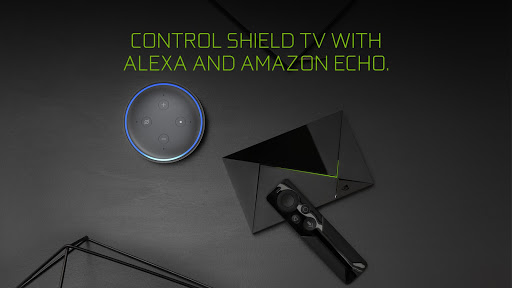
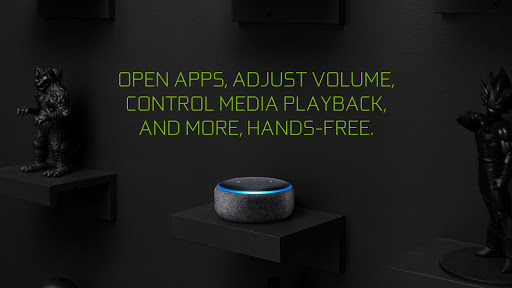
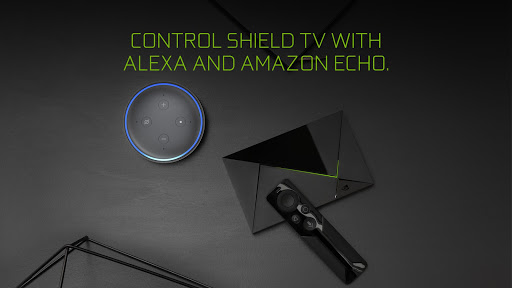
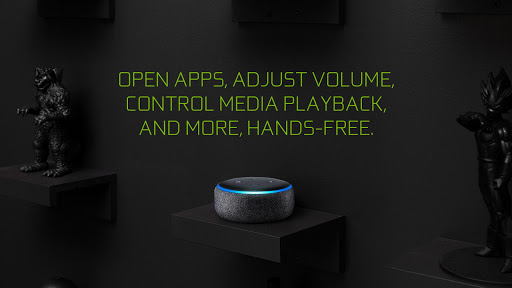
Control SHIELD TV with an Amazon Echo device.
GETTING STARTED
1. Add a SHIELD account on your SHIELD TV (Settings > Accounts > Add Account > SHIELD). Your SHIELD account uses the same credentials as your NVIDIA account.
2. Open the Alexa app on your mobile device and enable the “NVIDIA SHIELD TV” skill.
Note: As part of the skill enablement, you will be asked to link your skill with your NVIDIA account. Make sure to use the same account from Step 1.
When talking to Alexa, refer to your SHIELD TV by the device name. The default device name is “SHIELD”. You can view or change the device name on your SHIELD TV by going to Settings > About > Device name.
More
GETTING STARTED
1. Add a SHIELD account on your SHIELD TV (Settings > Accounts > Add Account > SHIELD). Your SHIELD account uses the same credentials as your NVIDIA account.
2. Open the Alexa app on your mobile device and enable the “NVIDIA SHIELD TV” skill.
Note: As part of the skill enablement, you will be asked to link your skill with your NVIDIA account. Make sure to use the same account from Step 1.
When talking to Alexa, refer to your SHIELD TV by the device name. The default device name is “SHIELD”. You can view or change the device name on your SHIELD TV by going to Settings > About > Device name.
What's new
Updated the metadata of the app.
Category:
Get it on:

Size:
Packet Name:
com.nvidia.shield.ask
Android Version:
8.0
Publish Date:
28/10/2018
Report:
SHIELD TV - Alexa Skill Install APK