

Download APK File Transfer (Wear OS) Latest Version
| Developer: | Latest Version: | Update Date: |
|---|---|---|
| Somyac . | 15/01/2026 |
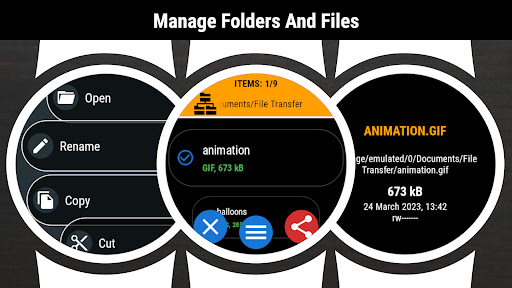
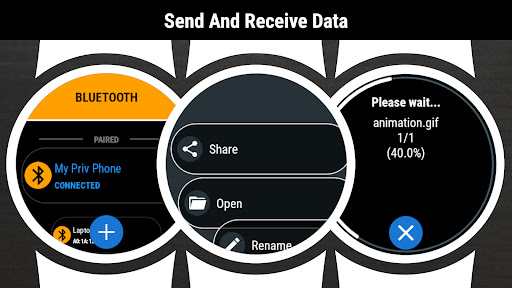
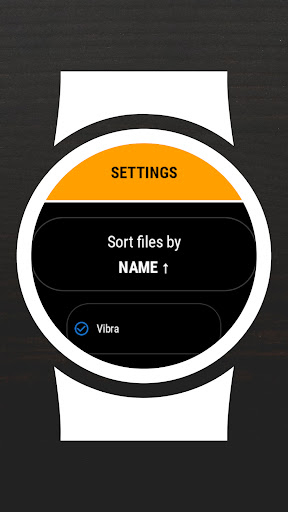
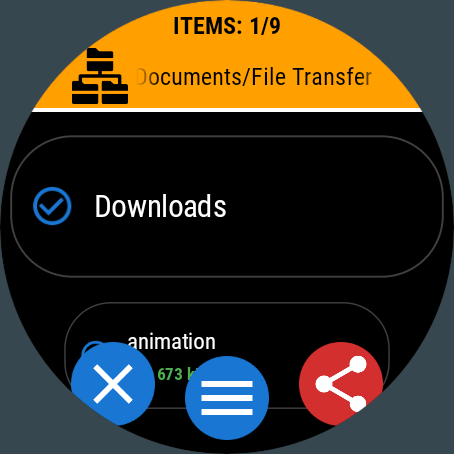
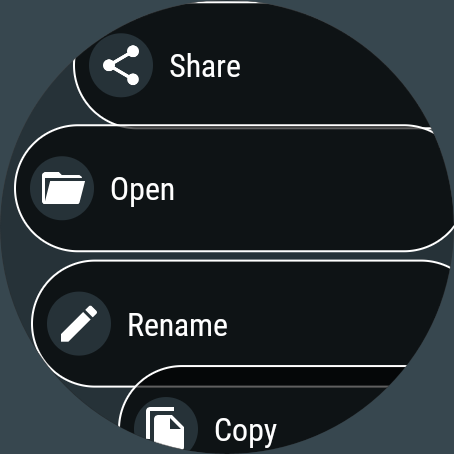
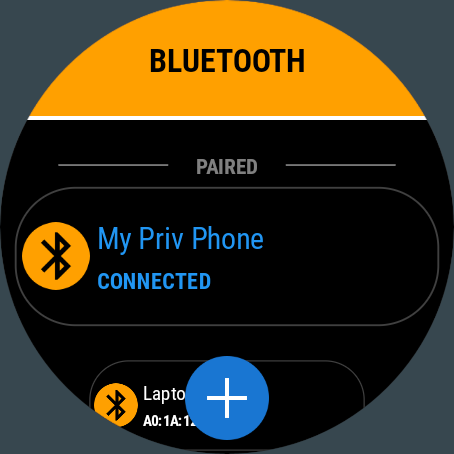
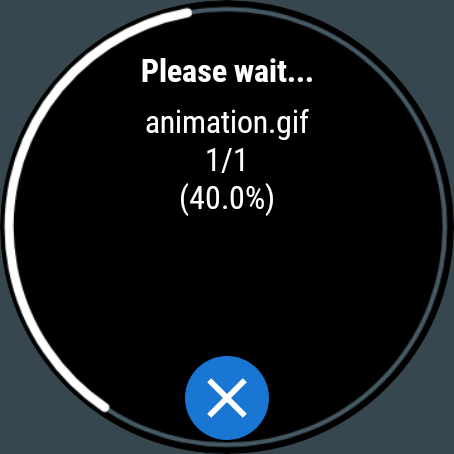
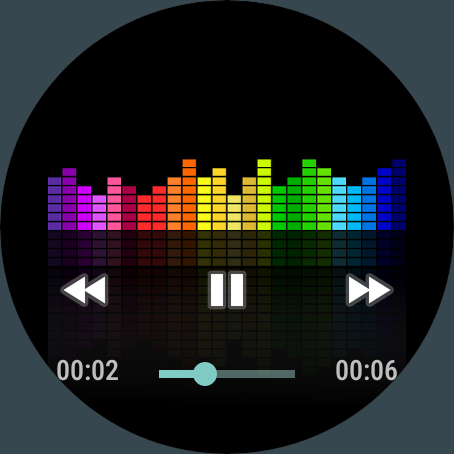
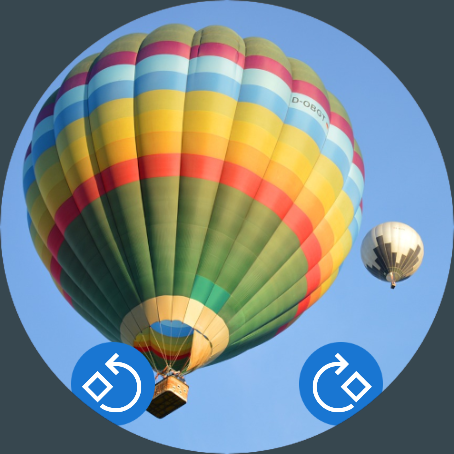
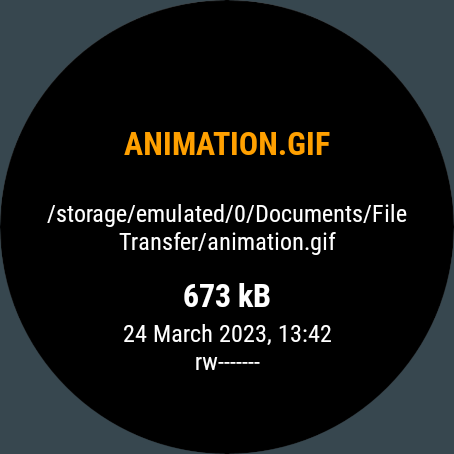
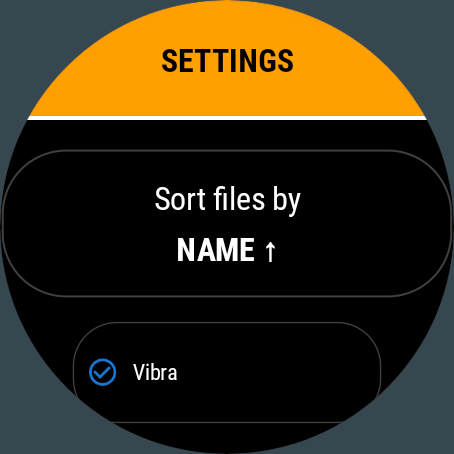
The core functionality of the application is to manage files and folders in the shared memory of the smartwatch.
File Transfer is unique app working in the standalone mode.
It does not require any additional software in the smartphone to send and receive data from your smartwatch.
Key features:
✓ sending files to any Bluetooth device - smartwatch/smartphone/tablet/PC
✓ receiveing files from any Bluetooth device
✓ browsing folders and files
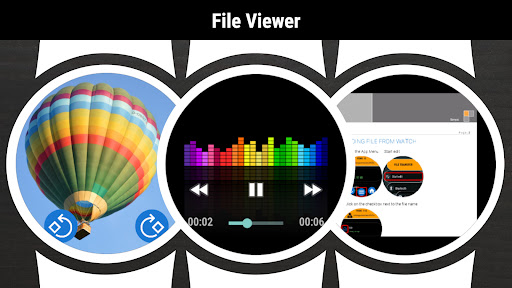
✓ viewing files content
✓ copy/paste/rename/sort/delete options
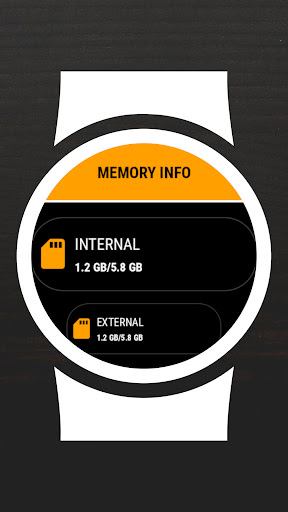
✓ displaying memory information
✓ searching files
✓ zip/unzip option
✓ intuitive menu
SENDING FILE FROM SMARTWATCH:
1. (smartwatch) Go to the App Menu → Start edit (or long click on the list)
2. (smartwatch) Click on the checkbox next to the file name
3. (smartwatch) Go to the App menu → Share
4. (smartwatch) Select receiver from the list
5. (smartphone) Accept incoming file
6. (smartphone) Go to Download folder to view the file
RECEIVING FILE IN SMARTWATCH:
I. Bluetooth connection configuration (first data transfer)
1. (smartphone) disable Bluetooth
2. (smartwatch) launch File Transfer app
3. (smartphone) enable Bluetooth
II. Transferring data (for every data transfer)
1. (smartwatch) Go to the App Menu → Set visible
2. (smartphone) Use any file browser app → Share → Bluetooth
3. (smartphone) Click on the smartwatch name. If smartwatch name is not visible on the list → click the Scan/Stop button (wait and/or retry 2-3 times)
4. (smartwatch) Accept incoming file
5. (smartwatch) Go to Downloads folder to view the file
☆ File Transfer is designed for Wear OS devices
More
File Transfer is unique app working in the standalone mode.
It does not require any additional software in the smartphone to send and receive data from your smartwatch.
Key features:
✓ sending files to any Bluetooth device - smartwatch/smartphone/tablet/PC
✓ receiveing files from any Bluetooth device
✓ browsing folders and files
✓ viewing files content
✓ copy/paste/rename/sort/delete options
✓ displaying memory information
✓ searching files
✓ zip/unzip option
✓ intuitive menu
SENDING FILE FROM SMARTWATCH:
1. (smartwatch) Go to the App Menu → Start edit (or long click on the list)
2. (smartwatch) Click on the checkbox next to the file name
3. (smartwatch) Go to the App menu → Share
4. (smartwatch) Select receiver from the list
5. (smartphone) Accept incoming file
6. (smartphone) Go to Download folder to view the file
RECEIVING FILE IN SMARTWATCH:
I. Bluetooth connection configuration (first data transfer)
1. (smartphone) disable Bluetooth
2. (smartwatch) launch File Transfer app
3. (smartphone) enable Bluetooth
II. Transferring data (for every data transfer)
1. (smartwatch) Go to the App Menu → Set visible
2. (smartphone) Use any file browser app → Share → Bluetooth
3. (smartphone) Click on the smartwatch name. If smartwatch name is not visible on the list → click the Scan/Stop button (wait and/or retry 2-3 times)
4. (smartwatch) Accept incoming file
5. (smartwatch) Go to Downloads folder to view the file
☆ File Transfer is designed for Wear OS devices
What's new
Category:
Get it on:

Size:
Packet Name:
com.somyac.watch.filetransfer
Android Version:
Publish Date:
05/04/2023
Report:
File Transfer (Wear OS) Install APK