

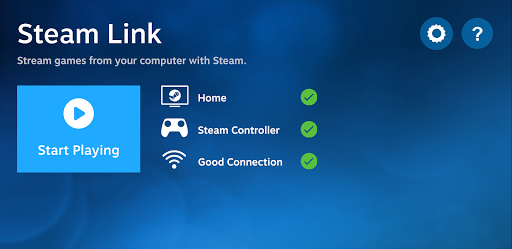
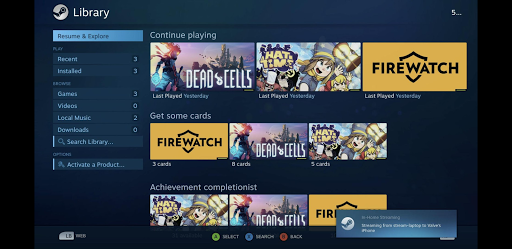

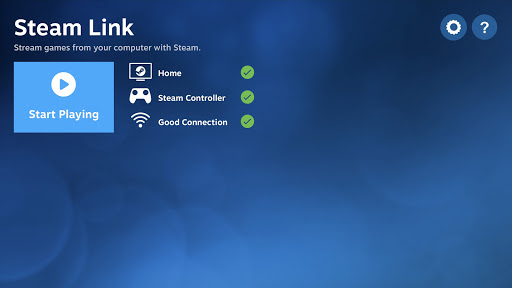


Steam Link 앱을 사용하면 Android 기기에서 PC 게임을 플레이할 수 있습니다. 블루투스 컨트롤러나 Steam Controller를 기기와 페어링하고 Steam이 실행되고 있는 컴퓨터에 연결한 다음 바로 Steam 게임을 플레이해 보세요.
Android TV에서 성능을 최대화하는 방법:
* 이더넷을 사용해 컴퓨터를 라우터에 연결하세요
* 이더넷을 사용해 Android TV를 라우터에 연결하세요
태블릿과 스마트폰에서 성능을 최대화하는 방법:
* 이더넷을 사용해 컴퓨터를 5Ghz WiFi 라우터에 연결하세요
* Android 기기를 5Ghz WiFi 네트워크에 연결하세요
* Android 기기가 라우터에서 너무 멀어지지 않도록 하세요
더
Android TV에서 성능을 최대화하는 방법:
* 이더넷을 사용해 컴퓨터를 라우터에 연결하세요
* 이더넷을 사용해 Android TV를 라우터에 연결하세요
태블릿과 스마트폰에서 성능을 최대화하는 방법:
* 이더넷을 사용해 컴퓨터를 5Ghz WiFi 라우터에 연결하세요
* Android 기기를 5Ghz WiFi 네트워크에 연결하세요
* Android 기기가 라우터에서 너무 멀어지지 않도록 하세요
새로운 소식
* Added a 100 Mbit/s bandwidth option
* The "Unlimited" bandwidth option allows adaptive bitrate up to 250 MBit/s when connecting to Steam dated June 10th or newer
* The high quality presets have unlimited bandwidth
* Fixed rare controller related crashes and hangs
* Please report bugs and crashes here: https://steamcommunity.com/app/353380/discussions/4/
* The "Unlimited" bandwidth option allows adaptive bitrate up to 250 MBit/s when connecting to Steam dated June 10th or newer
* The high quality presets have unlimited bandwidth
* Fixed rare controller related crashes and hangs
* Please report bugs and crashes here: https://steamcommunity.com/app/353380/discussions/4/
카테고리:
그것을 켜:

크기:
패킷 이름:
com.valvesoftware.steamlink
안드로이드 버전:
5.0
게시 날짜:
17/05/2018
Report:
Steam Link